
Now on Windows
Cut one video into many clips, fast.
Quickly load your video and zoom through the timeline smoothly. Mark In, mark Out and the the clip is created. Name your clips, heart 'em, fine-tune to the exact frame, and export them. Clip Monster turns long recordings into the moments that matter - fast.
Windows 10 / 11 · x64 and ARM64
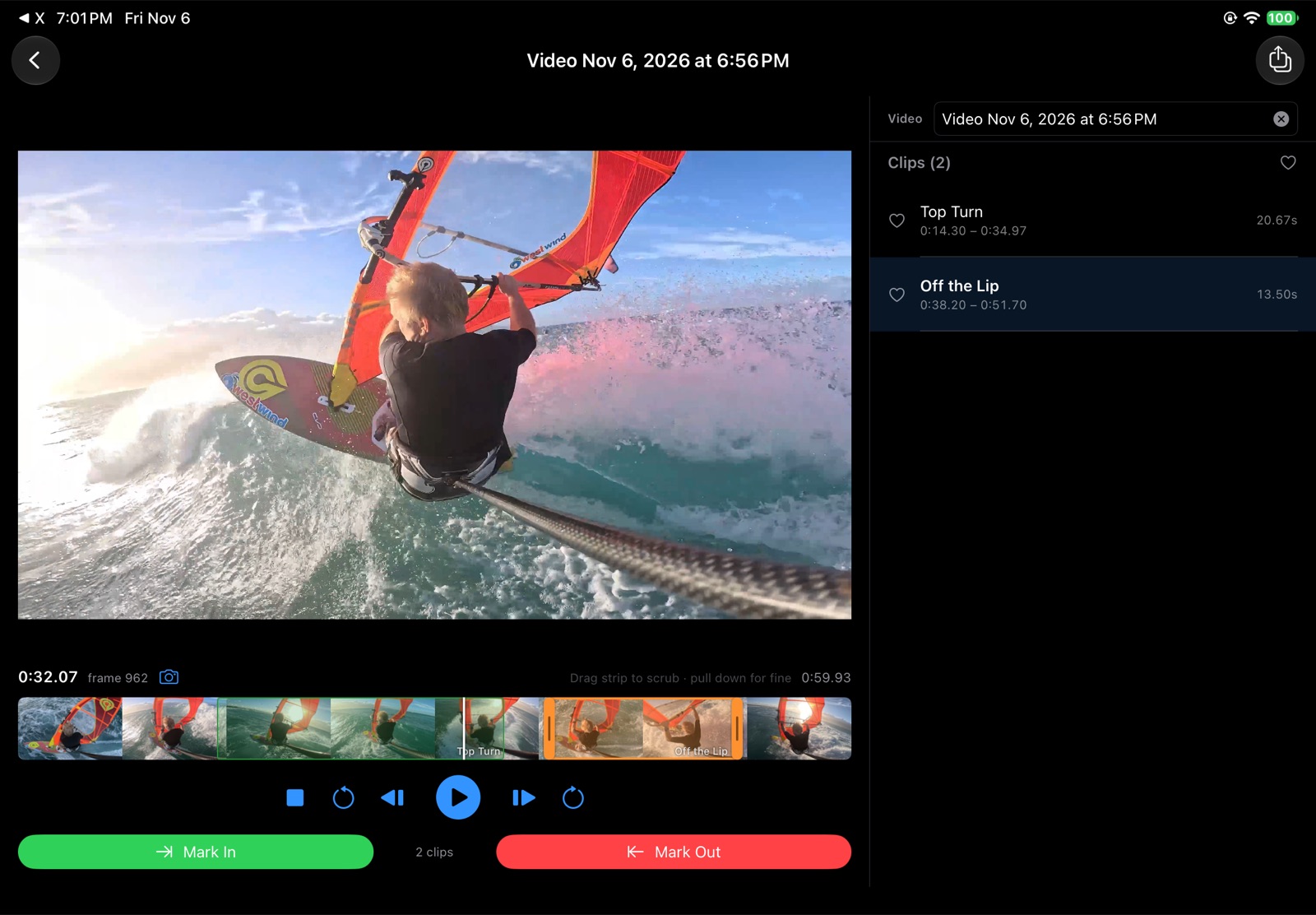
Import
Open a long video: a session, a game, a talk. Clip it and your library keeps each video and all its clips.
Mark In, Mark Out
Two taps or two keys (I / O) and the clip exists — at frame-exact times.
Export
Save one clip, your favorites or all of them. Exports are re-encoded so every cut is frame accurate.
Everything you need to clip, nothing you don't
Filmstrip timeline
See the whole video at a glance. Drag to scrub, smoothly and see every clip as a named band right on the strip.
Frame-exact clips
Nudge each edge one frame at a time, drag the edge handles, or type the start, end or length.
Name & favorite
Give clips real names, heart the keepers, and filter the clip list down to your favorites. Export one, all or only favorite clips.
Frame snapshots
Pause anywhere and capture a frame at full-resolution JPEG. Step frame by frame, jump or rotate, save & repeat.
Batch export
Export every clip or just the favorites in one go — to a folder on the desktop, or to Photos on Apple devices.
Keyboard driven
Space plays, ← → step frames, I O mark, P previews the clip. Your hands never leave the keys.
Clip Monster for Windows
Built for the desktop
The Windows version brings the Clip Monster workflow to your PC with a native desktop experience, a big-screen editor and the precision of a mouse and keyboard.
- Open videos with the file dialog or just drag and drop them in
- Library shows each video's date, resolution and size on disk
- Frame-accurate exports powered by FFmpeg
- Batch export all clips straight to a folder
- Preview volume control — double-click the speaker to mute
- Native builds for x64 and ARM64 PCs
- Signed installer with Start menu shortcut and clean uninstall
Download for Windows
Windows x64 Installer Windows ARM64 InstallerRequires Windows 10 or 11 and the .NET 10 Runtime for your architecture. Setup checks for it and offers the download link if it's missing.
Clip Monster for iPhone, iPad & Mac
Clip anywhere you shoot
A native SwiftUI app for iPhone and iPad (iOS / iPadOS 17+) and Mac (macOS 14+). Import straight from Photos or Files, scrub the filmstrip with your finger — pull down while dragging for fine scrubbing — and save clips and snapshots right back to your Photos library.
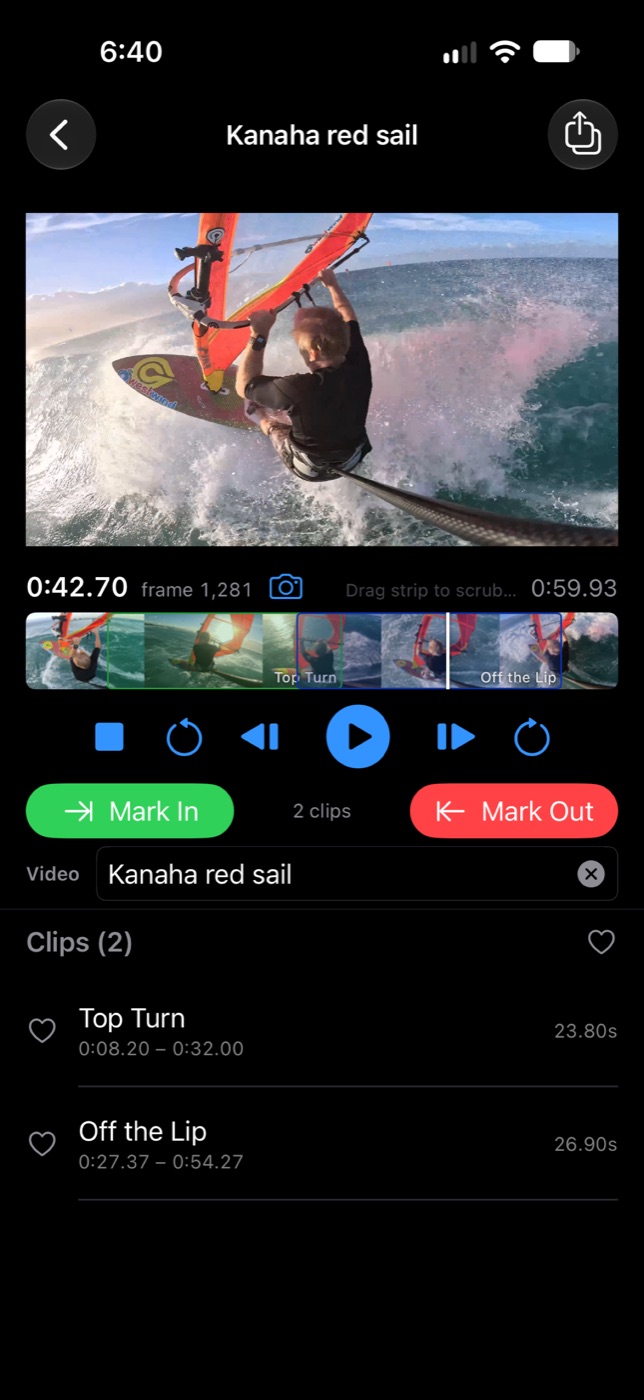
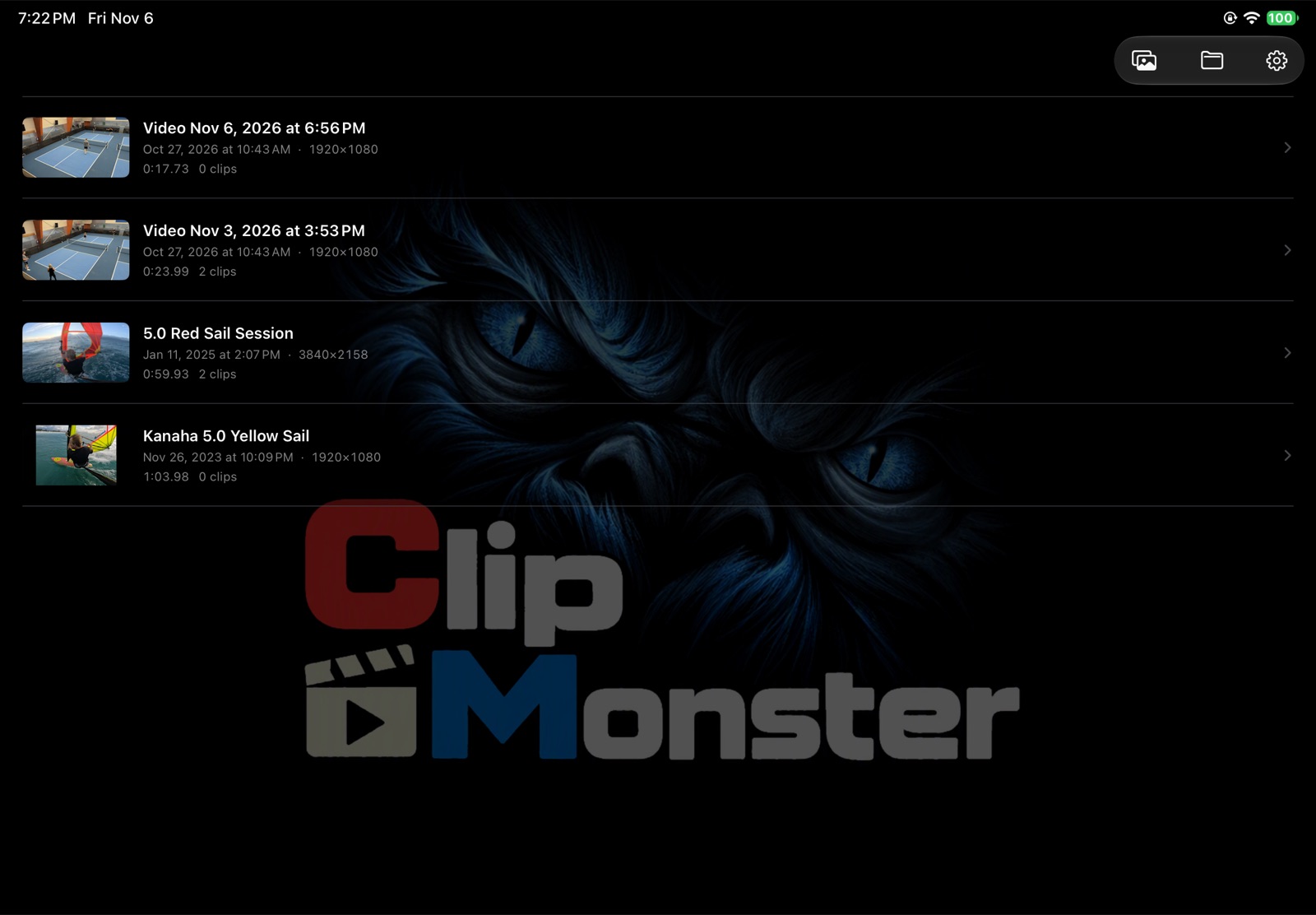
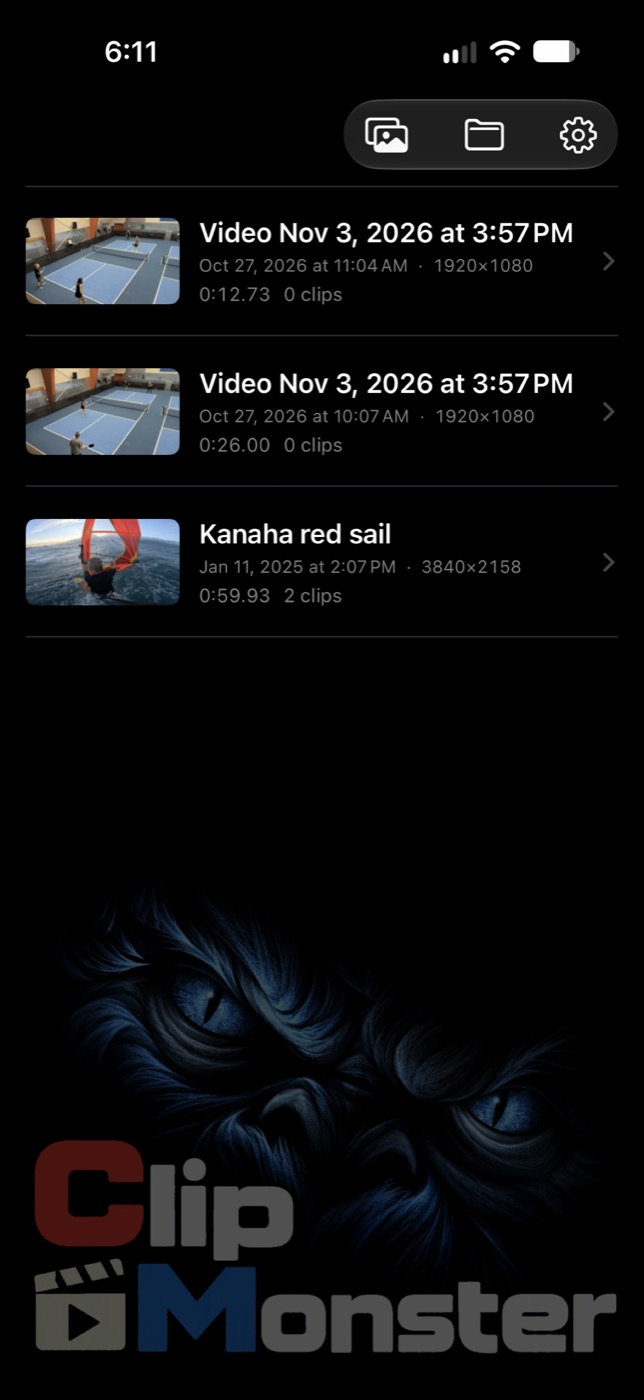
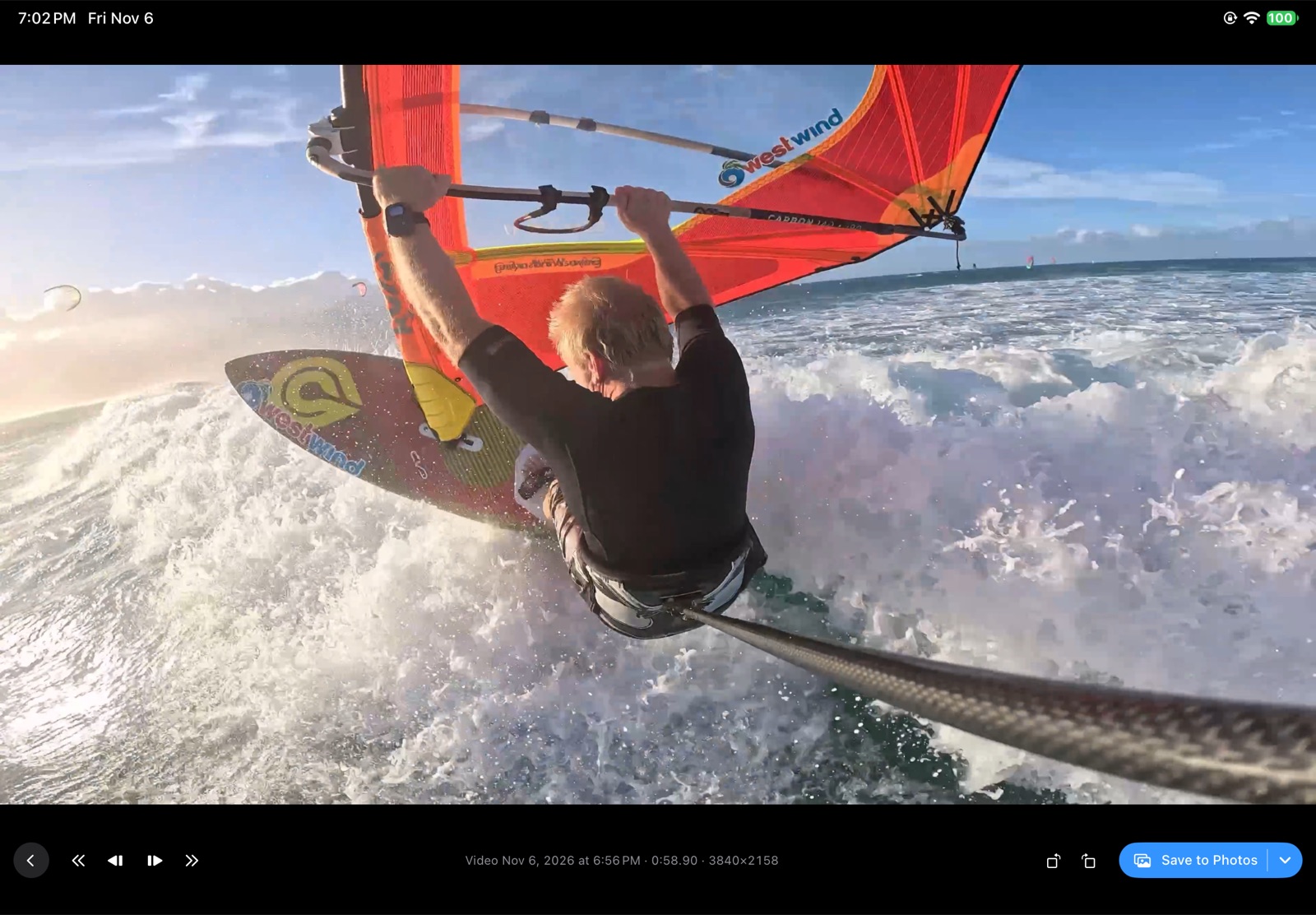
iPhone & iPad
Touch scrubbing with fine control, swipe to delete or heart a clip, and save to Photos or Files. Hook up a keyboard on iPad for shortcuts.
Mac
The same app on the Mac: a timeline slider, full keyboard shortcuts, a Settings window (⌘,) and snapshots in a window of their own.
Get Clip Monster
iPhone, iPad & Mac
One purchase on the App Store — 10-day free trial, then $3.99 a month or $19.99 a year.
Coming soon to theApp StoreiOS / iPadOS 17 or later · macOS 14 or later